pickle
In a pickle about what to cook?
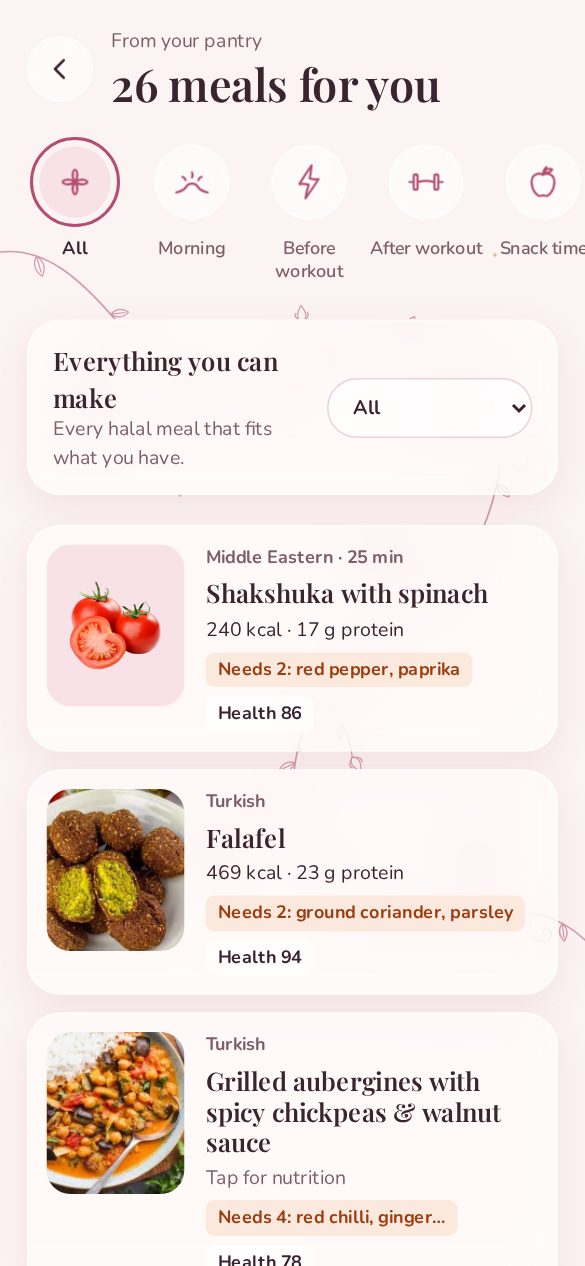
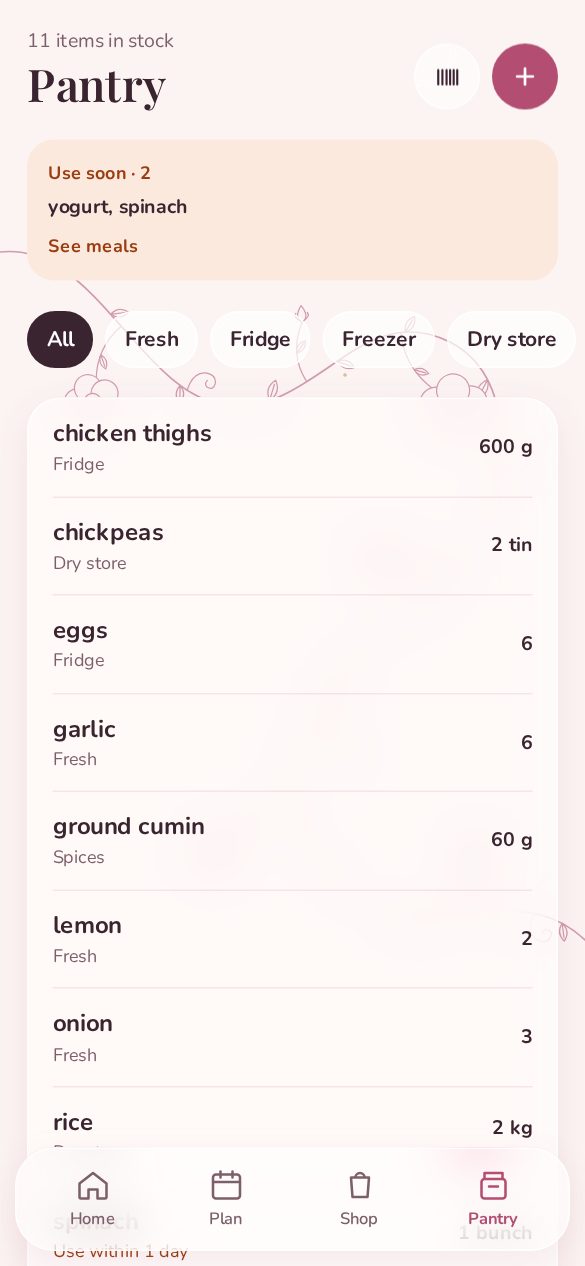
Snap what’s in your fridge and pickle suggests healthy, halal meals from all over the world — with nutrition for every serving, step-by-step cooking with timers, a monthly planner, a shopping list and your pantry, all in one place.
What pickle does
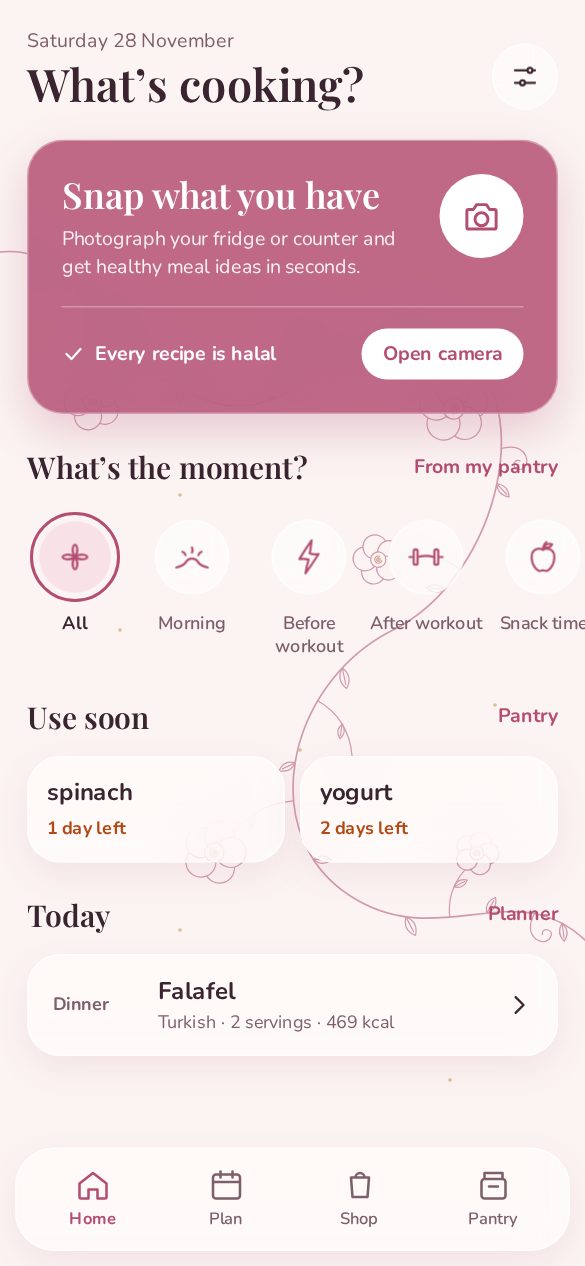
Snap what you have
Take a photo of your fridge or counter. pickle spots the ingredients, and you check the list.
Every recipe halal
Non-halal recipes are left out. Small things like mirin or cooking wine get a halal swap, shown on the recipe.
Moments of the day
Before or after a workout, snack time, cool off, rainy day, suhoor, iftar and more.
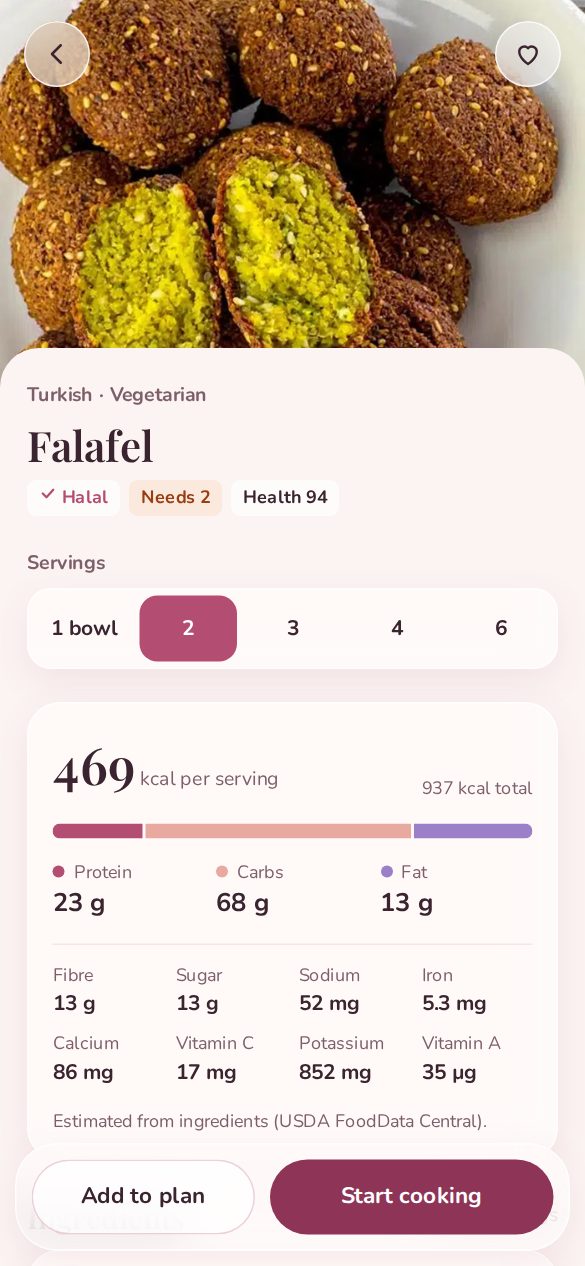
Real nutrition
Calories, protein, carbs, fat, fibre and vitamins per serving, worked out from the ingredients.
Any serving size
One bowl, two, four or six — every amount scales as you tap.
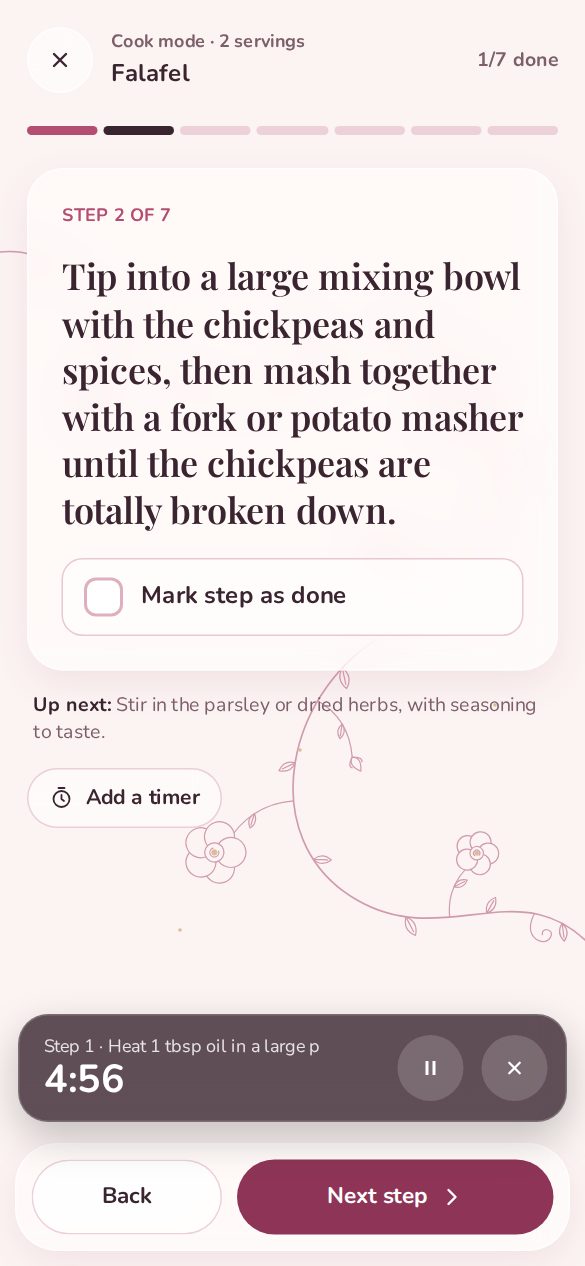
Cook mode
One step at a time. Timers appear by themselves when a step says “simmer for 10 minutes”, and float while you carry on.
Planner & shopping list
Plan the month, auto-plan a week, and build a shopping list that leaves out what’s already in your pantry.
Four themes
Blush, olive, golden and sky — the background, the vine and the colours change together.
Put pickle on your phone
pickle installs straight from this page — no app store needed. Once it’s on your home screen it opens full screen, works offline, and skips this page.
iPhone or iPad
- Open this page in Safari.
- Tap the Share button.
- Choose Add to Home Screen, then Add.
Android
- Open this page in Chrome.
- Tap the ⋮ menu.
- Choose Install app (or Add to Home screen).
To share one pantry and plan with your family, open pickle › Settings › Household sync, copy the code, and use Join on the other phone.